PDF to Word Converter: Convert PDF to Editable Word Without Losing Formatting (2026 Guide)
PDF to Word Converter
Text, Image ya Mixed — har tarah ka PDF Word mein convert karein • Claude AI powered
Working with PDF files is common in today’s digital world, but editing them can be difficult. Many users struggle when they need to make changes to a PDF document, especially when it contains important text, images, or formatting. This is where a PDF to Word converter becomes extremely useful.
With the help of modern AI PDF tools, you can easily convert PDF to Word free and turn static documents into fully editable files. Whether you’re a student, freelancer, or office worker, this process saves time and effort while maintaining document quality.
What Is a PDF to Word Converter?
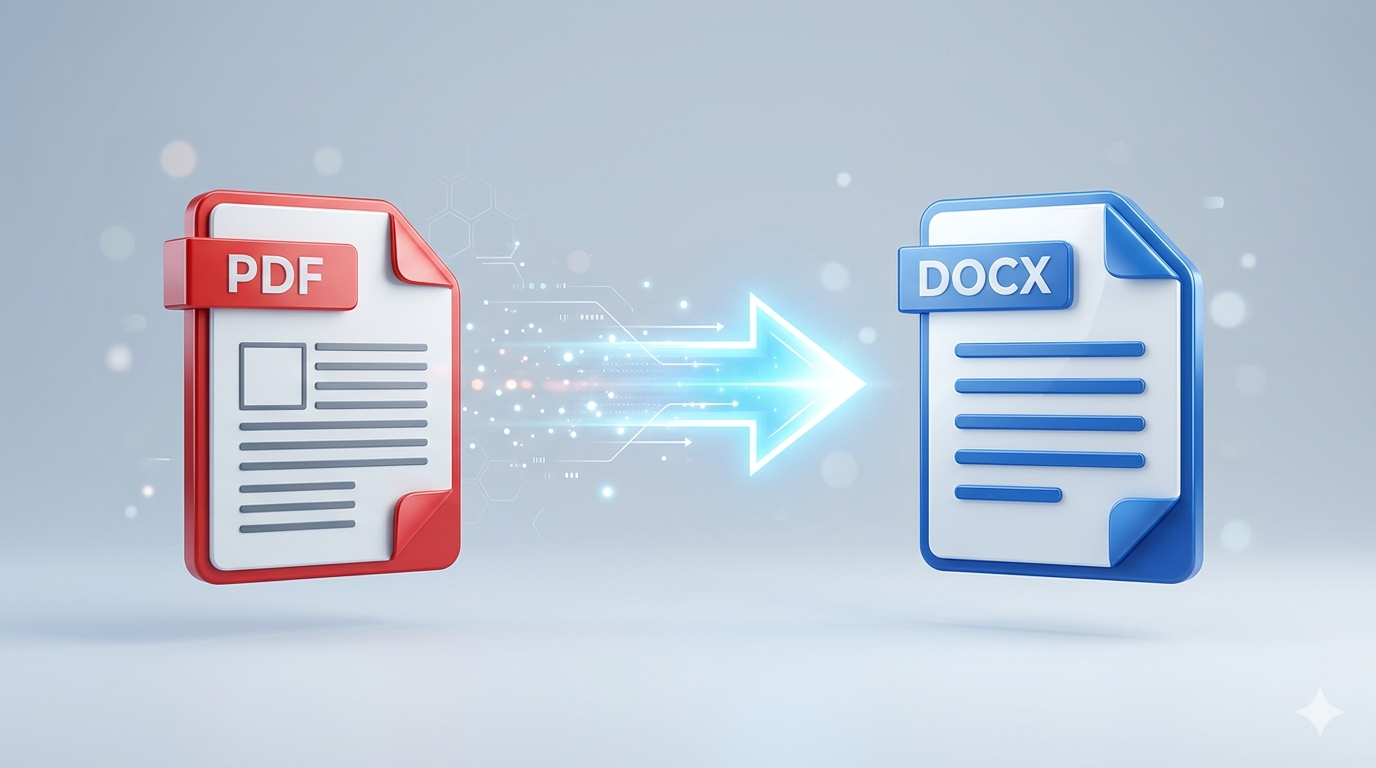
A PDF to Word converter is an online or offline tool that allows you to transform a PDF file into an editable Microsoft Word document (.doc or .docx).
Unlike PDFs, Word files are easy to edit, format, and customize. Using a free PDF converter, you can:
- Edit text easily
- Change formatting
- Add or remove content
- Reuse information
This makes it one of the most important tools for anyone working with documents regularly.
Why You Need to Convert PDF to Word
There are many situations where converting a PDF is necessary.
✍️ Easy Editing
PDF files are not designed for editing. With a PDF to Word converter, you can quickly modify text, fix errors, or update content.
📄 Reusable Content
With a PDF to Word converter, you can easily reuse existing content instead of rewriting everything from scratch. Simply convert PDF to Word free and edit the text as needed. This saves effort and helps you work more efficiently.
📊 Professional Work
For office tasks, reports, and assignments, having an editable Word file from PDF is very important. A reliable PDF to Word converter ensures proper formatting and makes your documents look professional. This is especially useful for business and academic work.
⏱️ Save Time
Manually typing content from a PDF can take hours, but using an AI PDF tool makes the process instant. You can convert PDF to Word online in just a few seconds. This allows you to focus on more important tasks instead of wasting time.
🔥 Benefits of Using a PDF to Word Converter
⚡ Fast Conversion
A modern PDF to Word converter can convert large files within seconds. This helps users save time and work more efficiently without delays.
🎯 Maintain Formatting
The best online PDF tools preserve fonts, images, and layouts. This ensures that your document looks exactly like the original.
💻 Easy to Use
Most free PDF converters have simple interfaces. You don’t need technical knowledge to use them.
🌐 Access Anywhere
Online tools allow you to convert PDF to Word online from any device, including mobile and desktop.
💼 Boost Productivity
By reducing manual work, these tools help improve overall workflow and efficiency.
📊 Best PDF to Word Converter Tools (2026)
| Tool Name | Best For | Free Version | Key Feature |
| ChatGPT | Smart AI conversion | Yes | AI-powered document understanding |
| SmallPDF | Quick conversion | Yes | Simple and fast |
| ILovePDF | Multiple PDF tools | Yes | Batch conversion |
| Adobe Acrobat | Professional use | Limited | High-quality formatting |
Step-by-Step: How to Convert PDF to Word
- Upload Your File
- Choose Output Format
- Start Conversion
- Download File
- Edit as Needed
Upload Your File
Open your preferred PDF to Word converter and upload your document. Most tools support drag-and-drop for easy access.
Choose Output Format
Select Word format (.doc or .docx). This ensures the file becomes fully editable after conversion.
Start Conversion
Click the convert button. The AI PDF tool will process your file and transform it into a Word document.
Download File
Once complete, download your file. Your editable Word file from PDF is ready to use.
Edit as Needed
Open the file in Microsoft Word and make changes easily.
📌 Common Issues and How to Fix Them
Even the best tools can sometimes face problems.
❌ Formatting Issues
Sometimes spacing or fonts may change.
👉 Use high-quality tools like best PDF converter 2026 options.
❌ Image Misalignment
Images may shift slightly.
👉 Adjust them manually in Word.
❌ Scanned PDFs
Text may not be editable.
👉 Use tools with OCR support.
🔑 Tips for Best Results
To get the best output from your PDF to Word converter, follow these tips:
✔️ Use clear and high-quality PDFs
✔️ Avoid scanned or blurry files
✔️ Choose trusted online PDF tools
✔️ Check formatting after conversion
🚀 Future of PDF Conversion Technology
The future of AI PDF tools is rapidly evolving.
- AI will improve formatting accuracy
- Faster and smarter conversions
- Integration with cloud storage
- Better OCR for scanned documents
These advancements will make convert PDF to Word online even more powerful and reliable.
⚠️ Limitations to Keep in Mind
While useful, these tools are not perfect:
- Complex layouts may break
- Tables may shift
- Some tools have file size limits
Always review your document after conversion.
🧾 Final Thoughts
A PDF to Word converter is an essential tool in today’s digital workflow. Whether you want to convert PDF to Word free, edit documents, or reuse content, these tools make everything faster and easier.
With the rise of AI PDF tools, converting files is now more accurate and efficient than ever before. Instead of wasting time on manual work, you can focus on productivity and creativity.
If you regularly deal with documents, using a reliable online PDF tool is a smart and practical choice in 2026.