Chat GPT + PDF Combination: The Future of AI Document Analysis in 2026
PDF AI Analyzer
PDF upload karein aur AI se kuch bhi poochein — koi API key nahi chahiye
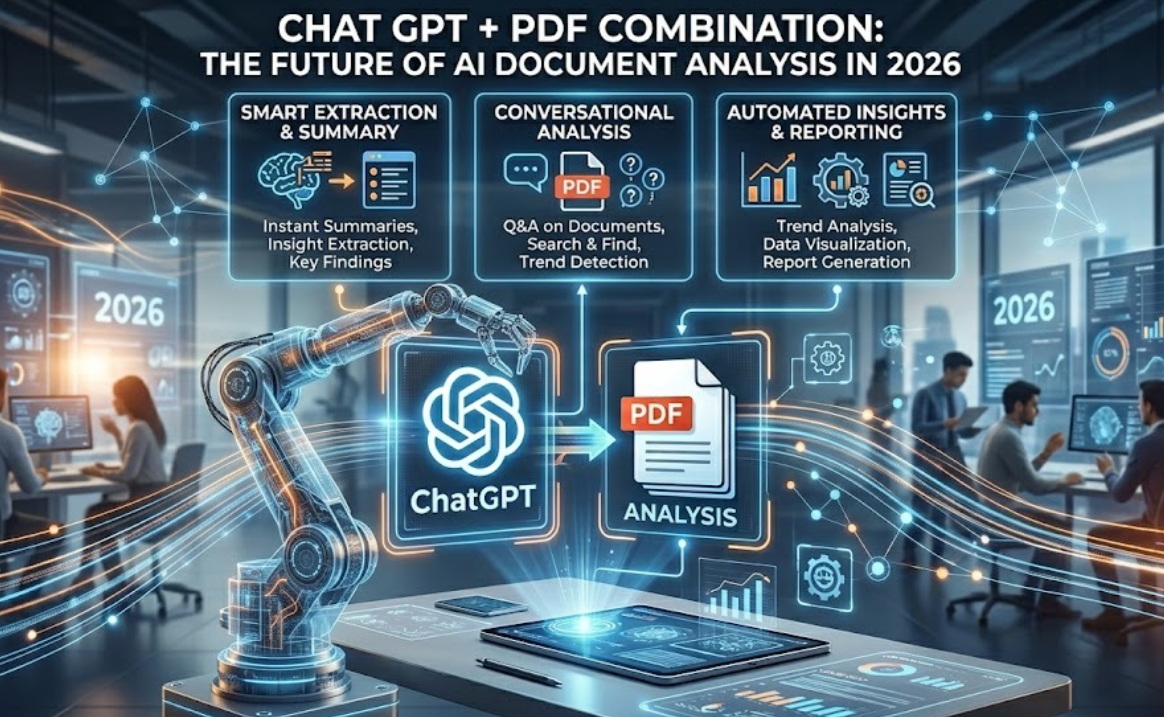
Artificial Intelligence (AI) is rapidly changing how people read, manage, and analyze documents. In 2026, one of the biggest innovations is the integration of AI chatbots with PDF technology, making document handling faster and smarter than ever before.
Today, students, researchers, businesses, and freelancers rely on AI-powered PDF tools to simplify their work. Instead of spending hours going through long documents, users can now upload PDF files and instantly receive summaries, answers, explanations, and key insights.
This shift has turned AI PDF tools into one of the fastest-growing trends in the tech industry, helping users save time and improve productivity. In this guide, we’ll explore how Chat GPT works with PDF files, compare the best AI PDF tools, explain the benefits of AI document analysis, and highlight the top tools available today to help you work smarter and more efficiently.
What Is Chat GPT PDF Integration?
Chat GPT PDF integration allows users to upload PDF documents and interact with them using Artificial Intelligence (AI). Instead of scrolling through long files manually, users can ask questions directly from the document.
- Summarize research papers
- Extract important information
- Translate content
- Generate notes
- Ask questions from PDFs
- Analyze contracts and reports
- Find specific data quickly
This technology uses Natural Language Processing (NLP) and AI-powered document parsing to understand text inside PDF files.
Why AI PDF Tools Are Becoming Popular
AI PDF tools are rapidly gaining popularity because they save time and improve productivity. Reading long documents manually can take hours, especially for students and professionals.
AI tools can analyze large PDF files within seconds.
Main Reasons for Growth
1. Faster Information Extraction
AI-powered tools enable users to quickly extract key information from large documents without reading everything. This helps save time and effort, especially when dealing with long PDF files or research materials.
2. Better Productivity
AI PDF tools help users complete tasks faster by automating document reading and analysis. Instead of manual effort, users can focus on important insights and decision-making, which boosts overall productivity and workflow efficiency.
3. Easy Learning
AI PDF tools make learning easier by providing simple explanations and breaking down complex information into understandable content. Users can quickly grasp concepts through instant answers and summaries, improving overall learning efficiency.
4. Smart Search
AI PDF tools offer smart search capabilities that allow users to find specific information instantly within large documents. Instead of manual scrolling, users can get quick and accurate results, saving time and improving search efficiency.
5. Automation
AI PDF tools enable automation of repetitive tasks like data extraction, summarization, and document analysis. This reduces manual effort and allows users to focus on high-value tasks, improving overall efficiency and productivity.
How to Upload PDF Files to Chat GPT
Upload your PDF file in Chat GPT and use AI to instantly analyze, summarize, and extract information from the document.
Step-by-Step Guide
Step 1: Open Chat GPT
Visit the official website of Open AI and log into your account.
Step 2: Start a New Chat
Create a new conversation.
Step 3: Upload Your PDF
Click the upload or attachment button and select your PDF file.
Step 4: Ask Questions
You can ask questions like:
- Summarize this PDF
- Explain chapter 2
- Extract key points
- Find important statistics
- Translate this document
Step 5: Get AI Responses
ChatGPT analyzes the document and provides instant answers.
Best AI Tools for Reading Long PDFs
Many AI-powered PDF tools are available in 2026. Some focus on summaries, while others provide advanced document analysis.
Chat GPT
ChatGPT is one of the most powerful AI assistants for PDF interaction. It provides summaries, explanations, and question-answering capabilities.
It helps users quickly understand complex documents without reading everything manually. Users can simply ask questions and get instant, accurate answers, saving time and boosting productivity.
Best Features
- Smart summaries
- Natural conversation
- Research assistance
- Multi-language support
- Fast responses
PDF.ai
PDF.ai is an AI-powered tool designed to let users chat directly with PDF documents. It helps users quickly get answers, summaries, and explanations from files without reading them manually.
Best Features
- Ask questions from PDFs
- Quick navigation
- Simple interface
- Fast document processing
Adobe Acrobat AI Assistant
Adobe Acrobat AI Assistant is an AI-powered feature in Adobe Acrobat that helps users summarize PDFs, answer questions, and extract key information instantly. It improves document understanding and productivity by making complex files easier to navigate.
Best Features
- AI summaries
- Document insights
- Enterprise-grade security
- Professional editing tools
Small PDF AI PDF Tool
Small PDF AI PDF Tool is an online AI-powered platform that helps users manage, edit, compress, and analyze PDF files easily. It provides quick summaries and insights, making document handling faster and more efficient for students and professionals.
Best Features
- PDF compression
- AI summaries
- PDF conversion tools
- Cloud support
Chat GPT vs PDF.ai: Which Is Better?
Chat GPT is a general AI assistant that can handle many tasks including PDFs, while PDF.ai is specially designed for chatting with and analyzing PDF documents.
PDF.ai is usually better for deep document understanding, but Chat GPT is better for overall AI tasks and versatility.
| Feature | Chat GPT | PDF.ai |
| General AI Chat | Yes | Limited |
| PDF Analysis | Excellent | Excellent |
| Research Support | Strong | Medium |
| Writing Assistance | Yes | No |
| User Interface | Advanced | Simple |
| Multi-purpose AI | Yes | No |
Which One Should You Choose?
Choose Chat GPT if:
- You want a complete AI assistant
- You need writing help
- You analyze different types of content
Choose PDF.ai if:
- You only work with PDFs
- You prefer a simpler interface
- You need quick document interaction
How AI Understands PDF Documents
AI understands PDF documents by first converting the text inside the file into machine-readable data using text recognition and processing techniques. It then analyzes the content to extract meaning, identify key points, and answer user questions accurately.
Main Technologies Used
- OCR (Optical Character Recognition)
- NLP (Natural Language Processing)
- Machine Learning
- Semantic Search
OCR (Optical Character Recognition)
OCR (Optical Character Recognition) is a technology that converts scanned images or PDF text into editable and machine-readable text. It helps AI systems read and understand printed or handwritten documents digitally.
NLP (Natural Language Processing)
NLP (Natural Language Processing) is a branch of AI that helps computers understand, interpret, and generate human language (text or speech). It is used in chatbots, translation, sentiment analysis, and voice assistants.
Machine Learning
Machine Learning is a branch of Artificial Intelligence (AI) that allows computers to learn from data and improve their performance without being explicitly programmed. It helps systems make predictions and decisions based on patterns in data, and is used in applications like recommendation systems, fraud detection, and image recognition.
Semantic Search
Semantic Search is a search technique that uses AI and Natural Language Processing (NLP) to understand the meaning and context of a query instead of just matching keywords. It delivers more relevant and accurate results by focusing on user intent rather than exact word matches.
Benefits of AI PDF Summarizers
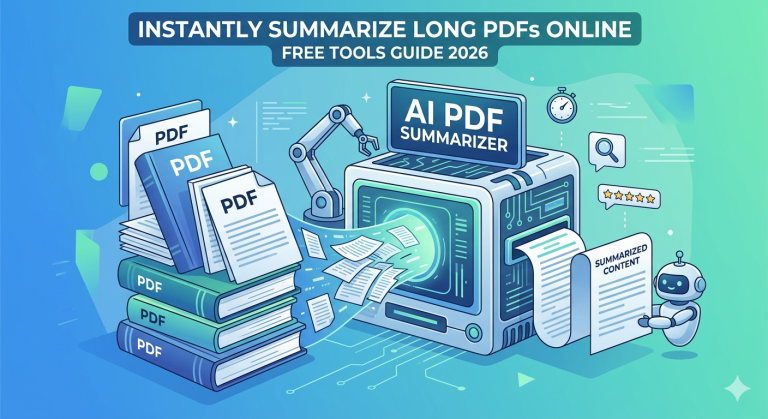
AI PDF summarizers help users quickly extract key points from long documents, saving time and effort in reading. They improve productivity and understanding by turning complex PDFs into short, clear summaries.
Key Benefits
Saves Time
Long documents can be summarized in seconds.
Better Understanding
Complex topics become easier to understand.
Improves Productivity
Users can focus on important tasks instead of manual reading.
Helps Students
Students can create notes quickly.
Useful for Businesses
Companies can analyze reports faster.
Are AI PDF Tools Safe?
AI PDF tools are generally safe if you use trusted and reputable platforms that follow proper data privacy and encryption standards. However, uploading sensitive documents can carry risks, so it’s important to check the tool’s privacy policy and security features before use.
- Avoid uploading confidential files
- Use trusted platforms only
- Read privacy policies carefully
- Enable account security features
- Use enterprise solutions for business data
Future of AI and PDF Technology
The future of AI and PDF technology will focus on making document handling more intelligent, interactive, and automated using advanced AI models. Users will be able to summarize, analyze, and extract insights instantly from PDFs with higher accuracy and personalization.
- Voice interaction with documents
- Real-time collaboration
- Advanced research assistants
- AI-generated reports
- Automatic citation generation
- Smart document workflows
Final Thoughts
ChatGPT and AI PDF tools are transforming document analysis in 2026, helping users work faster and more efficiently. These tools are useful for students, researchers, freelancers, and business owners to improve productivity and save time.
The combination of AI + PDF technology is no longer just a trend; it has become an essential part of modern digital workflows. It allows users to quickly understand and process long documents, research papers, contracts, and reports. By using AI PDF tools, people can work smarter, faster, and with better accuracy. As AI continues to evolve, document interaction will become even more intelligent, personalized, and efficient.